
Engineering service
Custom Chromium Browser Development
We work inside the Chromium source: C++, Blink, V8, the network stack and browser UI. We build, ship and maintain real Chromium forks, from process-model and sandbox behavior to enterprise policy, build systems, signed cross-platform releases and upstream migration.
- 15+ years of experience
- 300+ projects delivered
- Clients worldwide
- NDA available
Overview
What this is, and when it is the right call
Chromium is the open-source project behind Chrome and many other browsers. It is made of a few large parts: the Blink rendering engine, the V8 JavaScript engine, the Content module that ties them together, the Chrome UI layer, the networking stack and the sandbox. A custom browser is a product built on top of those parts.
The engineering question is not how to change Chromium once. It is how to keep your changes small enough to carry forward. We keep them as a reviewable patch series that is rebased on each upstream release, instead of edits scattered across the tree.
Who this is for
- Teams building a branded browser as their product, not a wrapper around someone else's.
- Companies that need browser behavior no extension or embedded control can reach: network stack, UI, profile handling, built-in features.
- Organizations that already run a Chromium fork and need it audited, updated or taken over.
- Product teams weighing a fork against an extension, CEF, WebView2 or Electron and wanting an honest recommendation.
How it works
Architecture at a glance
Anatomy of a custom Chromium browser
Your browser
Name, branding, new-tab page, settings, onboarding and the built-in features that make it yours.
Patch series
Small, documented changes to Chromium, kept separate from upstream code and rebased on each release.
Chromium
Chrome UI layer, Content, Blink, V8, networking and the sandbox, kept as close to upstream as possible.
Build and release
- Windows
- macOS
- Linux
GN and Ninja builds, CI, installers, code signing and auto-update.
- Your productWhat your users see
- Our engineeringModifications and protections
- UpstreamKept as close to unmodified as possible
- Platforms and releaseBuild, sign and deliver
What we offer
What we engineer: Custom Chromium Browser Development
Content API and Process-Model Work
We modify how Chromium's Content module spawns and isolates renderer, GPU and utility processes, including site-isolation and sandbox policy for embedded or kiosk deployments.
Custom URL Schemes and Protocol Handlers
We register and implement custom URL schemes so your browser can load internal apps, local packages or proprietary content types alongside standard http and https.
DevTools Protocol Integration
We wire the Chrome DevTools Protocol into your build for remote debugging, automated test harnesses or internal diagnostic tooling.
Extension Policy and Permission Gating
We configure which extension permissions and APIs your browser allows, including enterprise force-install lists and manifest validation rules.
Component Updater and Release Channel Setup
We build an Omaha-style component updater so pieces like Safe Browsing lists, root certificates and field trial configs update independently of a full binary release.
GPU Process and Compositor Tuning
We adjust the GPU process and compositor settings for kiosk displays, embedded panels and other fixed-hardware targets where rendering behavior needs to be predictable.
Deliverables
What you get
- 01
Patch series in a repository your team controls
Every change is a small, described patch on top of a named upstream version, so a reviewer can see exactly what differs from Chromium.
- 02
Reproducible build setup
GN and Ninja build configuration plus CI, so any engineer can produce the same binaries from a clean checkout.
- 03
Branding and product surfaces
Name, icons, new-tab page, onboarding, default settings and the first-run experience.
- 04
Installers, signing and update channel
Platform installers, code signing setup and an auto-update path so users receive fixes.
- 05
Upgrade runbook
Written steps for rebasing the patch series onto a new Chromium release and verifying it.
- 06
Test plan and results
Functional checks for your custom features and a regression pass on core browsing behavior.
Compare
Fork, embed or extension: choosing the right approach
Each option trades control against the work of keeping it current. Pick the lightest one that covers what you need.
| Approach | What you control | Ongoing cost | Choose it when |
|---|---|---|---|
| Browser extension | Behavior on web pages and some browser features, within the extension APIs | Low | Your feature works inside users' existing browsers and you do not need your own browser. |
| Embedded browser (CEF, WebView2) | A web view inside your own application, with hooks for navigation and content | Medium | You are building a desktop app that needs to show web content but is not itself a browser. |
| Electron app | A desktop app built with web technologies, with your own main-process code | Medium | You want a cross-platform desktop app and the browser is not the product. |
| Custom Chromium fork | Browser UI, networking, profile handling, built-in features and engine behavior | High | The browser itself is the product, or you need changes that no extension or embed can make. |
Why it matters
What this gives you
Native-Code Control, Not Just Extension APIs
Changes happen in Blink, V8 or the network stack directly, reaching behavior that WebExtension APIs were never designed to expose.
Full Network Stack Visibility
You can change how the browser handles QUIC, DNS-over-HTTPS, proxy configuration and certificate pinning, not just what a page is allowed to request.
OS-Level Sandbox Control
Process isolation and sandbox policy are yours to configure, which matters for kiosk hardware, regulated environments and embedded deployments.
Engineers Who Can Navigate the Codebase
Chromium spans a few million lines across Blink, V8, Content and the browser UI; our engineers know the layer a given change actually belongs in instead of guessing.
Our approach
How a Chromium project runs
Feasibility
We review what you want to change and check whether a lighter option would do the job.
You get: A written recommendation and a scope range
Architecture
We decide which Chromium layers each feature touches and how to keep those changes isolated.
You get: A patch plan and a chosen upstream version
Build
We set up the build system and CI first, then implement features as small patches.
You get: Working builds from a clean checkout
Harden and test
We test your features and core browsing behavior, and review changes near security boundaries.
You get: Test results and a list of known limits
Release and maintain
We ship signed installers with an update path and document how to rebase on new upstream releases.
You get: Release pipeline and upgrade runbook
When this is not the right fit
A few cases where this approach may not be the best choice for you.
- You only need to change behavior on some websites. An extension is cheaper to build and to keep running.
- You have no team or budget to keep a fork updated. A fork that falls behind collects unpatched security issues.
- You need web content inside an existing desktop app. An embedded browser or Electron usually fits better.
Tech stack
Technologies we use
The engines, APIs and tools behind our custom chromium browser development work.
BlinkV8Mojo IPCContent APICEF WebView2
 C++Chrome DevTools ProtocolSite Isolation
FAQ
Questions engineers ask before starting
The work lives in a repository your team controls. Ownership and licensing terms are agreed in the contract before work starts. Chromium itself stays under its own open-source licenses.
Proof
Related production work
Enterprise & Security
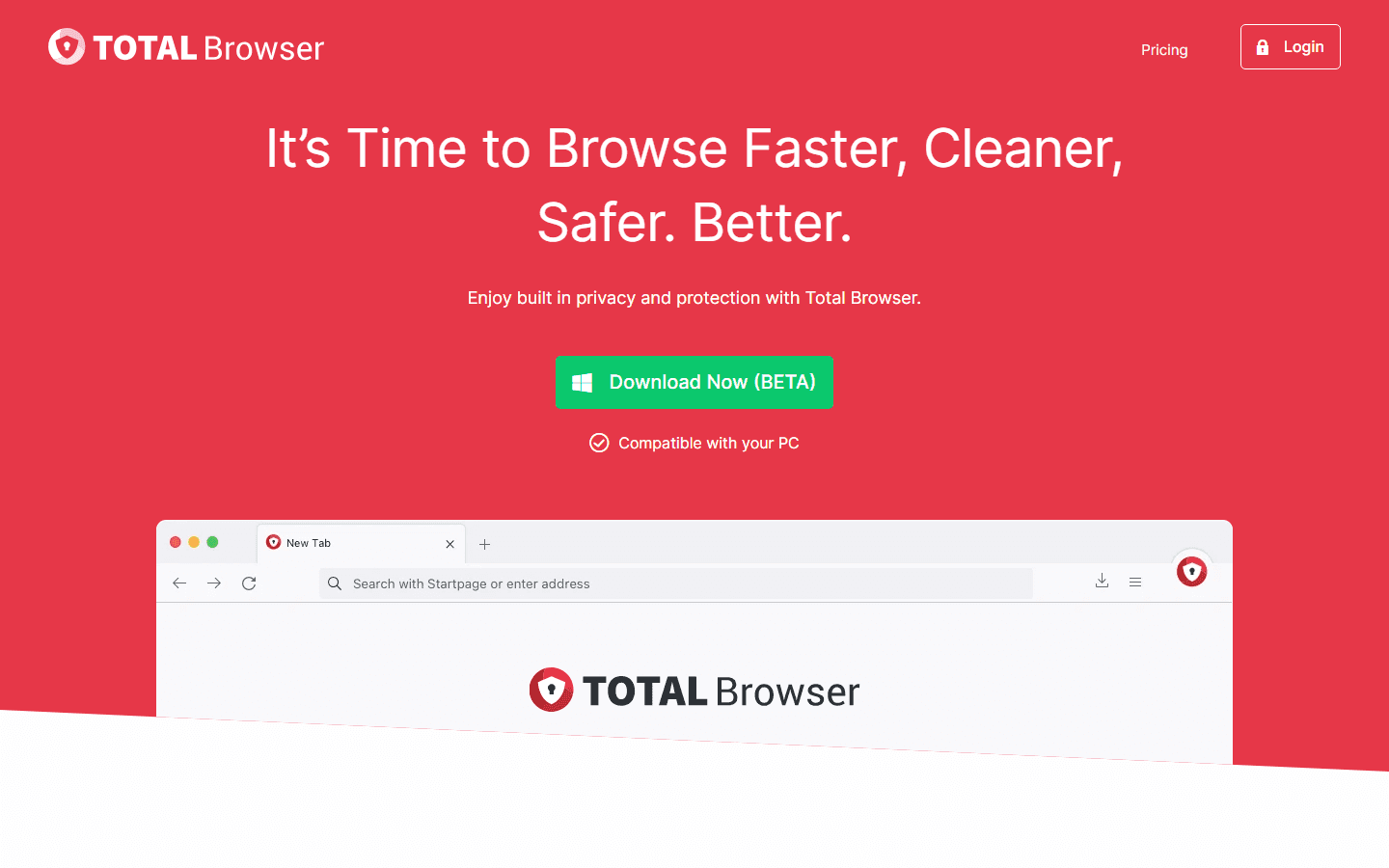
Total Security Browser
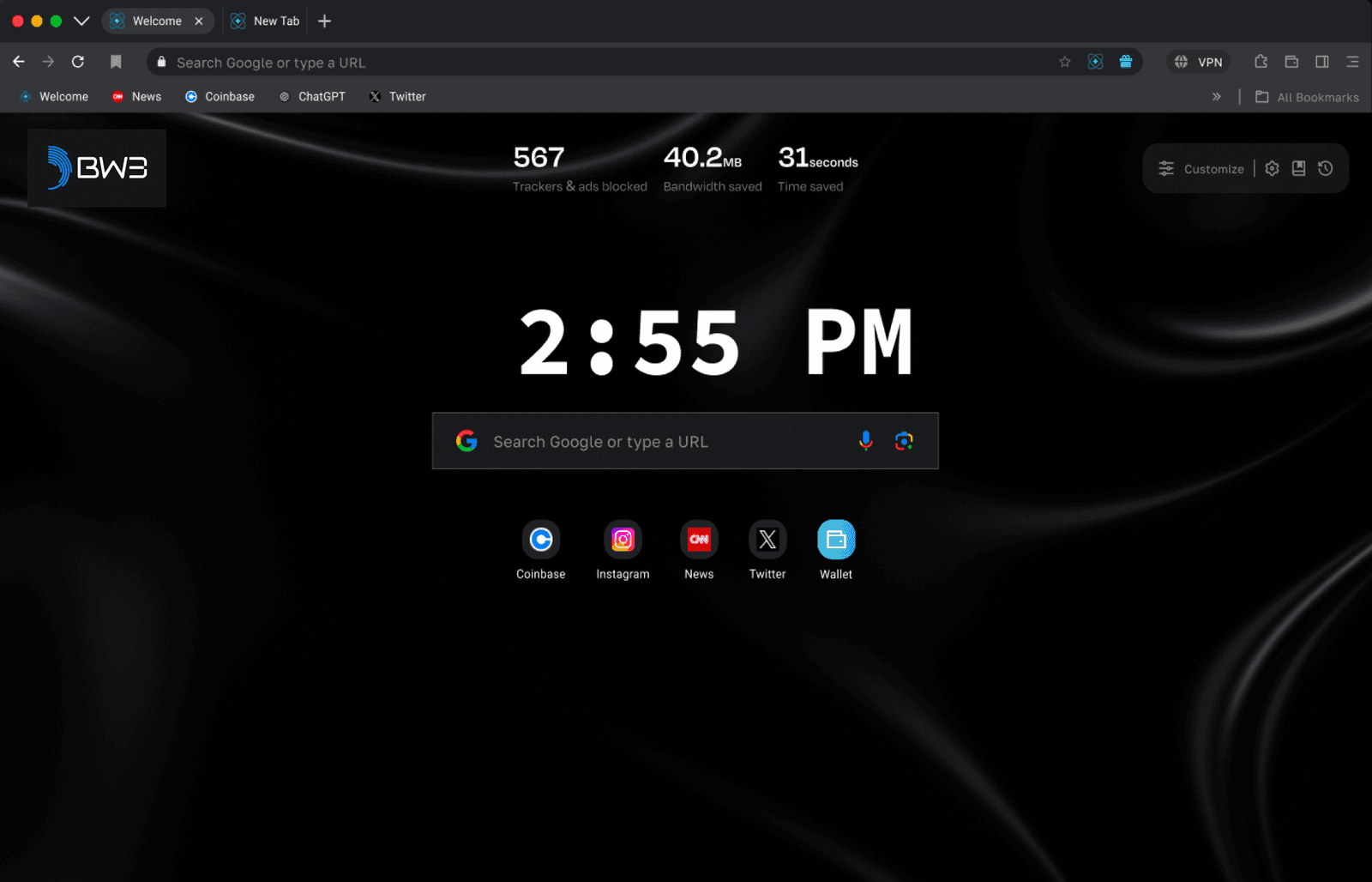
A security-focused Chromium browser for a large enterprise company, with its own installer, updater and hardening.
- Chromium
- Omaha
- C++
Multi-Session Browsers
Symphony Browser
A Chromium browser where every tab runs as its own isolated session, with advanced fingerprint blocking.
- Chromium
- C++
- Session isolation
Privacy & Anti-Fingerprint
Anonymous Anti-Fingerprint Browser
A hardened Chromium build that controls what canvas, WebGL, audio-context and font data sites can read.
- Chromium
- C++
- Canvas
Our services
Related services
Explore more services that work alongside this one.

Talk to a Browser Engineer
Talk to the Engineers Who Work in the Chromium Source
Describe the browser you want to build or the fork you need to take over. You will hear what it takes to build it and, more importantly, to keep it current.