

Enterprise & Security
Total Security Browser
A security-focused Chromium browser for a large enterprise company, with its own installer, updater and hardening.
- Chromium
- Omaha
- C++
- Installer
- Security hardening
What was built
We built a security-focused browser on Chromium for a large enterprise company. The work covered the whole path from source-level changes to a browser that installs itself and keeps itself up to date.
The engineering challenge
Omaha is the open-source update framework Google uses for Chrome on Windows. Adopting it for your own browser means running your own update server and handling version rollout, so the browser can receive fixes without users doing anything. For an enterprise product, that update path matters as much as any feature.
Images
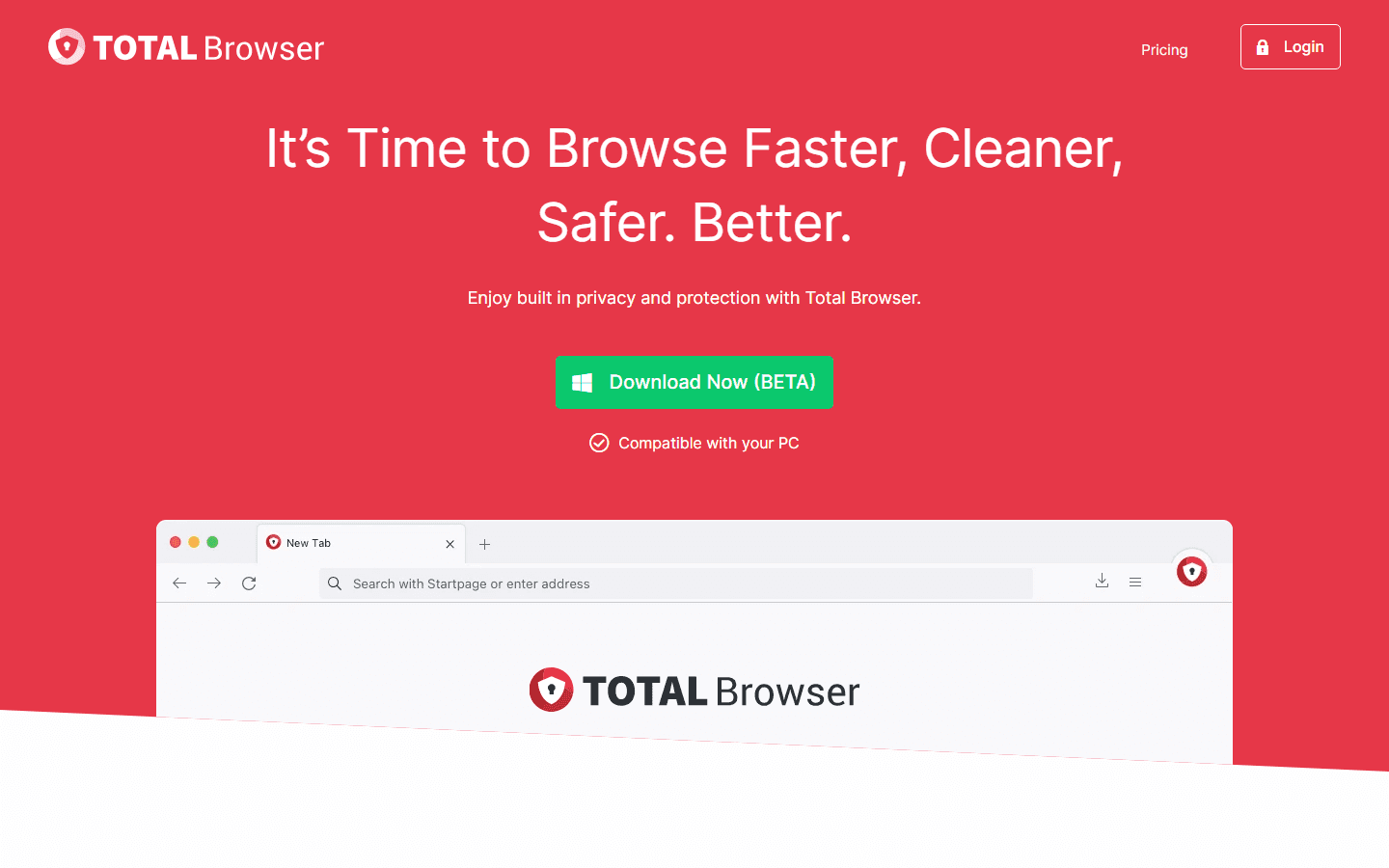
The Total Browser homepage. Image: totalbrowser.com. 
The WebShield protection panel. Image: totalbrowser.com. 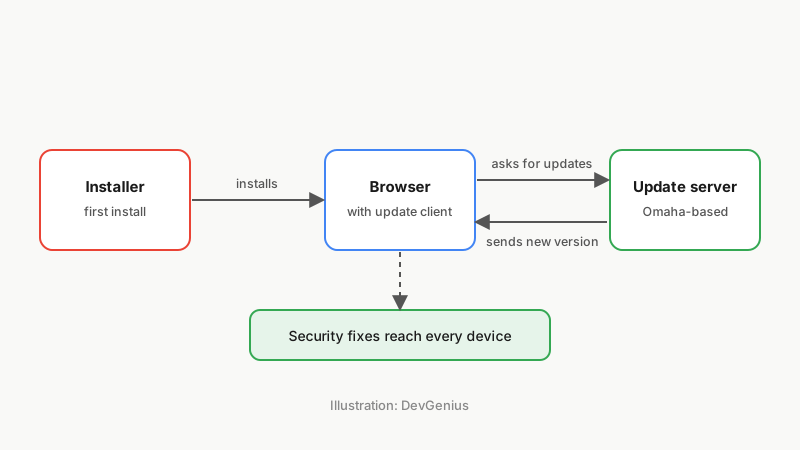
Illustration: the install and update path a custom browser needs.
Engineering scope and what shipped
- A custom installer and auto-updater built on Omaha
- Performance tuning of the browser build
- Security hardening of the browser
About the product
Total Browser is a browser from Total Security Limited, a UK company trading as Total Browser. Its website describes WebShield protection against malware, phishing and harmful sites, ad and pop-up blocking with a Quiet Mode, privacy tools such as Global Privacy Control and referrer protection, and its own TotalSearch as the default search.
It is offered for Windows and macOS, and its download is currently labelled beta.
A September 2026 check of the site also lists Dark Web Monitoring and real-time breach alerts, which warn when a saved login has appeared in a data breach, alongside WebShield’s blocking of fake, scam, phishing and spoofed sites and its verified search results drawn from safe-site whitelists.
Source: totalbrowser.com. Checked September 2026; product details may have changed since.
Related services
Facing a similar engineering problem?
Tell us what you are building. A browser engineer will walk you through how we would approach it, what is hard about it and what it takes to maintain.