
Engineering service
Browser Security & Anti-Fingerprinting
Advanced browser privacy and security engineering. We change fingerprint surfaces, browser APIs, permissions, device signals and network behavior inside the engine, so every signal stays coherent with the others instead of being spoofed one by one in JavaScript.
- 15+ years of experience
- 300+ projects delivered
- Clients worldwide
- NDA available
Overview
What this is, and when it is the right call
Browser fingerprinting combines many small signals into an identifier: canvas and WebGL rendering, audio processing, installed fonts, screen and hardware details, language and time zone, client hints, and WebRTC and network behavior. Anti-fingerprinting work reduces, randomizes or standardizes those signals.
The hard part is coherence. A mobile user agent with desktop screen metrics is easier to spot than an ordinary profile. Engine-level changes are generally more consistent than injected JavaScript, because patched JavaScript functions can be detected. We treat this as privacy engineering: decide the policy first, then implement it where it holds up.
Who this is for
- Teams building privacy-focused browsers or privacy tools.
- Security researchers and testers who need controlled, repeatable browser fingerprints.
- Companies evaluating how much of their users' browsing can be tracked through passive signals.
- Products that already use JavaScript-based protections and want something harder to detect.
How it works
Architecture at a glance
Where anti-fingerprinting protections live
Profile policy
Which signals to reduce, randomize or standardize, and which combinations must stay consistent.
Engine-level protections
Canvas, WebGL, audio, fonts, screen, hardware, client hints and WebRTC.
Chromium or Firefox
The browser engine we build on, kept as close to upstream as possible.
Build and release
- Windows
- macOS
- Linux
Build system, CI, installers, signing and updates.
- Your productWhat your users see
- Our engineeringModifications and protections
- UpstreamKept as close to unmodified as possible
- Platforms and releaseBuild, sign and deliver
What we offer
What we engineer: Browser Security & Anti-Fingerprinting
Canvas and WebGL Readback Noise
We add small, session-consistent noise to canvas and WebGL pixel readback so repeated reads match each other but no longer match the GPU's raw output.
AudioContext Output Shaping
We adjust the sample values AudioContext and OfflineAudioContext return so audio-based fingerprints shift without breaking normal audio playback.
Font Enumeration Limiting
We change how the browser reports available fonts to script-based measurement techniques, without removing the fonts users need for normal page rendering.
Hardware and Client Hint Normalization
We standardize reported values like hardwareConcurrency, deviceMemory and User-Agent Client Hints so they fall into common buckets instead of exposing exact hardware.
WebRTC Local IP Suppression
We change WebRTC's ICE candidate gathering so local and public IP addresses are not exposed to a page through the WebRTC APIs.
Timezone and Locale Coherence Checks
We tie timezone, locale and language reporting together so they cannot be cross-checked against each other to reveal a mismatch that points at the real profile.
Deliverables
What you get
- 01
Signal inventory
A list of the fingerprinting signals that matter for your threat model and how each is exposed today.
- 02
Profile policy
A written policy for each signal (reduce, randomize or standardize) and the rules that keep them consistent with each other.
- 03
Engine-level patches
Changes in the browser engine for the signals you selected, kept as a reviewable patch series.
- 04
Test harness
Repeatable tests that check protections against public fingerprinting pages and our own consistency checks.
- 05
Known-limits report
A plain account of which signals are covered, which are not and where websites may behave differently.
- 06
Build and update pipeline
CI, signed builds and an upgrade runbook so protections survive engine updates.
Compare
Script injection vs engine-level protection
Both approaches are used in practice. They differ in how well they hold up under inspection and how much they cost to maintain.
| Aspect | Injected JavaScript | Engine-level change |
|---|---|---|
| Where it runs | In the page or extension, overriding browser APIs | Inside the browser engine, below the page |
| Detectability | Higher; overridden functions can differ from native ones in ways a page can check | Lower; the API is native, so the page sees the normal function |
| Consistency | Harder; each API is patched separately and gaps appear between them | Easier; one policy can drive related signals together |
| Upgrade cost | Low to medium; changes follow the extension APIs | Higher; patches must be rebased on each engine release |
| Best for | Quick prototypes and light protection inside an existing browser | A privacy product or test setup that needs consistent results |
Why it matters
What this gives you
Coherent Signals, Not Just Randomized Ones
We check that timezone, locale, hardware and rendering signals agree with each other, because one mismatched signal can stand out more than an unprotected profile does.
A Written Account of What Isn't Covered
You get a plain list of which signals are addressed and which are not, instead of a blanket claim that every tracking method is defeated.
Built for Testing, Not Just Deployment
The same protections and test harness used in a shipped build can run in an isolated test environment, so results can be reproduced independently.
Scoped to Your Threat Model
We start by agreeing which signals and adversaries actually matter for your product, so effort goes into the protections you will use rather than a generic checklist.
Our approach
How a fingerprint protection project runs
Threat model
We agree which signals matter, who you are protecting against and what success looks like.
You get: A signal inventory and scope
Policy
We define how each signal is reduced, randomized or standardized, and which combinations must stay coherent.
You get: A written profile policy
Implement
We build the protections in the engine, one signal at a time, as small patches.
You get: A patch series and working builds
Test
We run public fingerprinting test pages and our own harness, and check that signals agree with each other.
You get: Test results and a known-limits report
Maintain
We document how to rebase the patches on new engine releases and re-run the tests.
You get: An upgrade runbook
When this is not the right fit
A few cases where this approach may not be the best choice for you.
- You want tools for fraud, account abuse or evading abuse controls. We build only for privacy and security testing.
- You want light protection only. A well-configured privacy browser or extension may be enough, and costs much less.
- You expect a fingerprint that can never be linked to you. No tool can promise that, and we will state the limits.
Tech stack
Technologies we use
The engines, APIs and tools behind our browser security & anti-fingerprinting work.
Chromium Firefox / Gecko
 C++
C++FAQ
Questions engineers ask before starting
Injected JavaScript overrides can be detected because the patched functions differ from native ones, and they can leave gaps between related APIs. Changes in the engine are usually more consistent, at the cost of maintaining patches across engine releases.
Proof
Related production work
Multi-Session Browsers
Symphony Browser
A Chromium browser where every tab runs as its own isolated session, with advanced fingerprint blocking.
- Chromium
- C++
- Session isolation
Privacy & Anti-Fingerprint
Anonymous Anti-Fingerprint Browser
A hardened Chromium build that controls what canvas, WebGL, audio-context and font data sites can read.
- Chromium
- C++
- Canvas
Privacy & Anti-Fingerprint
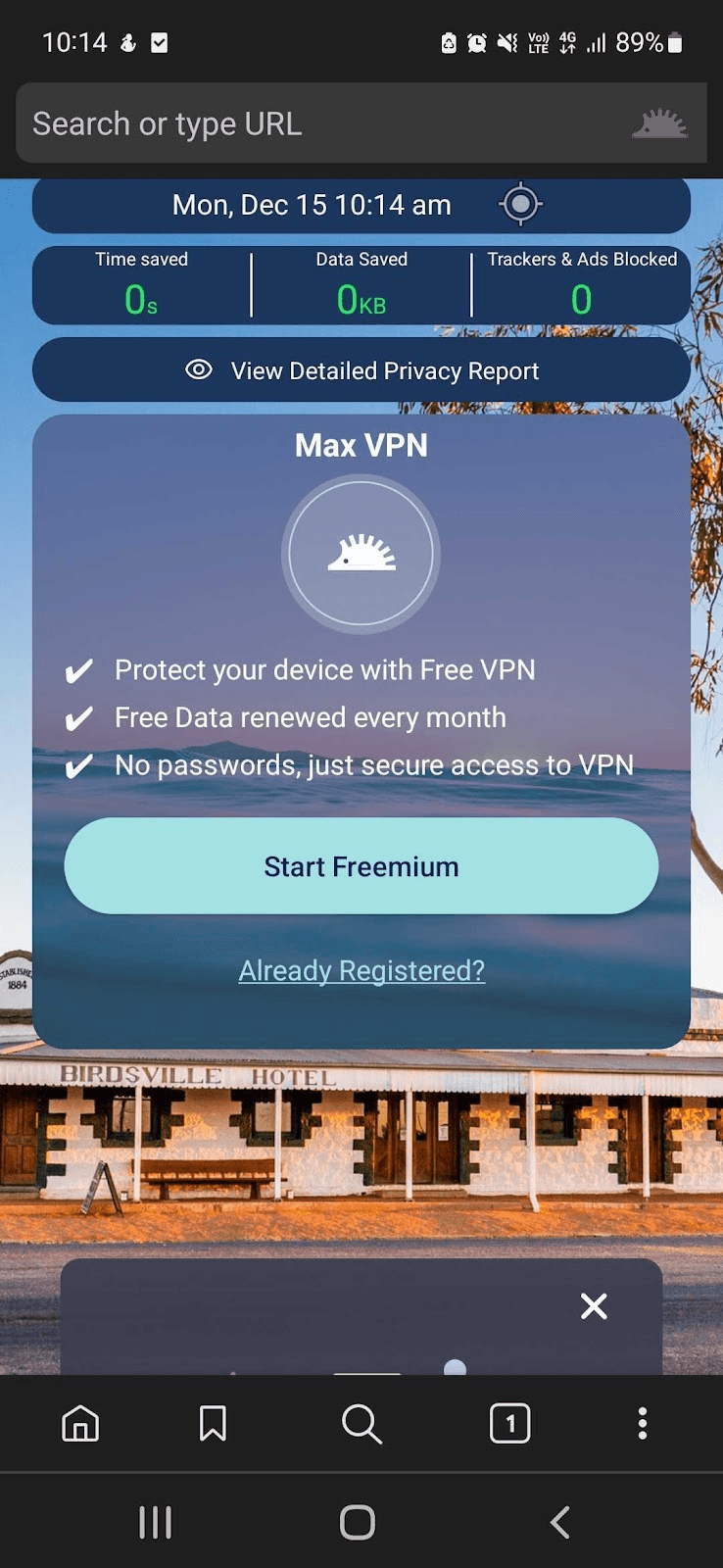
Max Browser
A privacy-first browser with no logging, anti-censorship features and blocking of big-tech monitoring and data brokers.
- Chromium
- Privacy
- Anti-censorship
Our services
Related services
Explore more services that work alongside this one.

Talk to a Browser Engineer
Talk to Browser Privacy Engineers
Tell us your threat model and which browser you build on. We will scope engine-level changes and be direct about what they do not cover.