Embedded Browser Solutions
Embedded Browsers: CEF vs WebView2 vs WKWebView
Published: 2026-09-20 • 7 min read
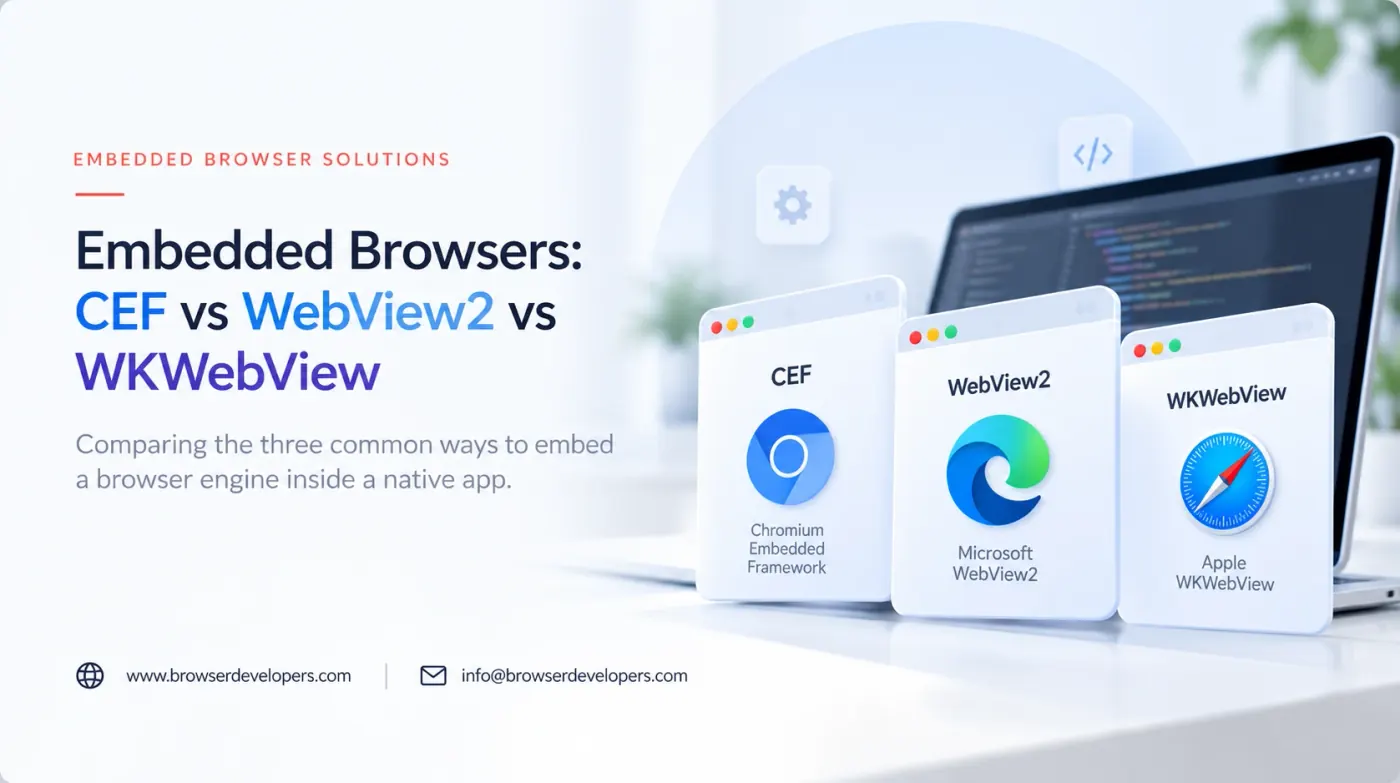
Kiosks, point-of-sale terminals, signage boxes and native apps that need to show web content all face the same question: which engine actually renders that content, and who is responsible for keeping it updated. CEF, WebView2 and WKWebView answer that question differently, and the differences matter well before the first line of integration code is written.
Three engines, three update models
| CEF | WebView2 | WKWebView | |
|---|---|---|---|
| Underlying engine | Chromium, bundled with your app | Chromium-based Edge runtime | WebKit |
| Platforms | Windows, macOS, Linux | Windows (built into current Windows 10/11) | macOS, iOS |
| Update model | You ship and update the bundled engine yourself | Evergreen shared runtime updates independently, or a fixed version you bundle | Updates with the operating system |
| Redistribution | You bundle Chromium binaries with your app | Depends on deployment mode: shared runtime or bundled fixed version | Not redistributed; part of the OS |
| Off-screen rendering | Explicitly supported and commonly used | Built around a visible, windowed view | Built around a visible, windowed view |
| Typical fit | Kiosks, POS, custom compositing, cross-platform native apps | Windows-only native apps that want to reuse the Edge engine already on the machine | macOS/iOS native apps embedding web content |
None of these differences make one option strictly better. They reflect three different answers to the same question: should the engine version be something you control precisely, or something the operating system manages for you.
How an embedded browser fits inside a native app
Regardless of which engine is chosen, the architecture around it looks similar: a host application with its own window and controls, a bridge that passes messages between native code and the embedded page, and the engine itself rendering only the content area.
Host application
Native window, menus, controls and any peripheral integrations, such as a barcode scanner or receipt printer.
Native-to-web bridge
A message channel so native events reach the page and page actions reach native code.
Embedded engine
CEF, WebView2 or WKWebView, rendering the web content itself.
Operating system
Windows, macOS or Linux, which determines which engines are actually available.
- Your product
- Our engineering
- Upstream, kept as close to unmodified as possible
- Platforms and release
When CEF is the right choice
- You need one engine version across Windows, macOS and Linux. CEF ships the same Chromium build on every platform, which removes the cross-engine inconsistency that comes with using each OS’s native web view.
- Off-screen rendering is a real requirement. Custom compositing, video walls and non-standard display pipelines are places CEF’s off-screen mode is built for.
- You are deploying to a fleet you control. Kiosks and POS terminals where you already manage the update process benefit from CEF’s predictable, self-contained engine version.
When WebView2 is the right choice
- The app is Windows-only. WebView2 avoids bundling a second copy of Chromium when one is already present as part of Windows.
- Smaller install size matters more than engine-version control. The evergreen deployment mode does not require shipping Chromium binaries with the app.
- The app should track Edge’s update cadence. Teams comfortable with the engine updating on Microsoft’s schedule, rather than their own, benefit from not maintaining that update path.
When WKWebView is the right choice
- The app is macOS or iOS only. There is no alternative on these platforms for a first-party, OS-integrated web view.
- App Store distribution is a requirement. iOS apps are restricted to WebKit-based engines, which makes WKWebView effectively mandatory rather than a preference.
Cross-platform apps usually mean more than one engine
A native app that needs to run on Windows and macOS with an embedded browser will, in most cases, end up using two different engines: something Chromium-based on Windows and WKWebView on macOS, since WKWebView is not available outside Apple platforms. Plan for testing both, not just the one used during initial development. This is the same tradeoff Tauri makes at the application-framework level, and is discussed further in our Electron vs Tauri comparison.
What to decide before choosing
- Which operating systems the app actually needs to support, since that alone rules out some options.
- Whether off-screen rendering or custom compositing is a real requirement, or a visible window is fine.
- Who owns updating the engine: your team, on your own schedule, or the OS vendor, on theirs.
- What native functionality (peripherals, file access, printing) needs to cross the bridge into the embedded page.
Our embedded browser development page covers the integration work in more detail, including the native-to-web bridge, custom protocol handlers and remote diagnostics for fielded devices.
Frequently asked questions
Is CEF the same thing as Chromium?
CEF, the Chromium Embedded Framework, wraps the Chromium rendering engine in a C/C++ API designed for embedding inside another application. It ships its own Chromium binaries with each release rather than depending on one already installed on the machine, which gives you a known, testable engine version at the cost of shipping and updating that engine yourself.
Does WebView2 update automatically?
On Windows 11 and current Windows 10 installations, the WebView2 runtime is commonly present as a shared, evergreen component that Microsoft updates independently of your app, similar to how Edge itself updates. Some deployments instead bundle a fixed WebView2 version with the app for more control over exactly which build runs, which trades automatic updates for predictability.
Can WKWebView be used on Windows?
No. WKWebView is Apple’s WebKit-based web view, available on macOS and iOS. A cross-platform native app that embeds a browser has to use a different engine per platform: commonly WebView2 or CEF on Windows, and WKWebView on macOS, which means testing and maintaining more than one embedded engine if the app needs to run everywhere.
Which of these supports off-screen rendering?
CEF has explicit, well-documented support for off-screen rendering, where the page is rendered to a buffer your application composites itself rather than showing a normal browser window. WebView2 and WKWebView are built primarily around showing a visible, windowed view, and off-screen-style use cases are less directly supported.
Do I need to redistribute a runtime with my app?
With CEF, yes: you ship the Chromium binaries CEF wraps as part of your app. With WebView2, it depends on the deployment mode: the evergreen mode relies on a shared runtime that may already be present or gets installed alongside your app, while the fixed-version mode bundles a specific runtime with your app, closer to how CEF works. WKWebView is part of the OS on Apple platforms and is not redistributed separately.
How does this relate to Electron and Tauri?
Electron and Tauri are full application frameworks built on top of choices like these. Electron bundles its own Chromium, similar in spirit to CEF but packaged as a complete app framework with Node.js included. Tauri uses the OS-provided web view on each platform, which is WebView2 on Windows and WKWebView on macOS, the same engines discussed here, wrapped in a lighter, Rust-based application shell.
Final takeaway
The operating systems you target usually narrow this choice before preference does. Once that is settled, the remaining question is who should own the engine’s update schedule: bundle it yourself with CEF for full control, or lean on the OS-provided runtime with WebView2 or WKWebView and accept its update cadence in exchange for a smaller footprint.
Embedding a browser in your app?
We integrate CEF, WebView2 and WKWebView into native applications, kiosks and point-of-sale hardware, and can help pick the right one before you start building.